Key Vault Secrets Management (Managed Identity)
Use this recipe to access Key Vault secrets from a Python Container App without embedding secrets in code or images.
Architecture
flowchart TD
    P[Container Apps platform] --> S[Secret reference resolution]
    S --> KV[Azure Key Vault]
    KV --> SECRET[Resolved secret value]
    SECRET --> APP[Container App]
    P -.-> MI[Managed Identity]
    MI -.-> ENTRA[Microsoft Entra ID]
    MI -.-> KV
Solid arrows show runtime data flow. Dashed arrows show identity and authentication.
Prerequisites
- Existing Container App:
$APP_NAMEin$RG - Existing Key Vault with RBAC authorization enabled
- Azure CLI with Container Apps extension
Step 1: Enable managed identity on the Container App
az containerapp identity assign \
  --name "$APP_NAME" \
  --resource-group "$RG" \
  --system-assigned

export PRINCIPAL_ID=$(az containerapp show \
  --name "$APP_NAME" \
  --resource-group "$RG" \
  --query "identity.principalId" \
  --output tsv)
| Command | Why it is used |
|---|---|
az containerapp identity assign ... | Assigns or inspects managed identity configuration for the Container App. |
Step 2: Grant Key Vault secret permissions via RBAC
export KEY_VAULT_ID=$(az keyvault show \
  --name "$KEY_VAULT_NAME" \
  --resource-group "$RG" \
  --query "id" \
  --output tsv)

az role assignment create \
  --assignee-object-id "$PRINCIPAL_ID" \
  --assignee-principal-type ServicePrincipal \
  --role "Key Vault Secrets User" \
  --scope "$KEY_VAULT_ID"
| Command | Why it is used |
|---|---|
az keyvault show ... | Creates or inspects Key Vault resources used by managed identity or secret references. |
Step 3: Add secret and app configuration
Set a sample secret in Key Vault:
az keyvault secret set \
  --vault-name "$KEY_VAULT_NAME" \
  --name "api-base-url" \
  --value "https://example.internal"
| Command | Why it is used |
|---|---|
az keyvault secret ... | Creates or inspects Key Vault resources used by managed identity or secret references. |
Store Key Vault URL in Container Apps settings:
az containerapp update \
  --name "$APP_NAME" \
  --resource-group "$RG" \
  --set-env-vars KEY_VAULT_URL="https://$KEY_VAULT_NAME.vault.azure.net/"
| Command | Why it is used |
|---|---|
az containerapp update ... | Updates the existing Container App configuration without recreating the app. |
Key Vault references still require correct RBAC and network path
Secret resolution fails when identity permissions, private DNS linkage, or endpoint connectivity are incomplete.
Portal view: Secrets blade (empty state)
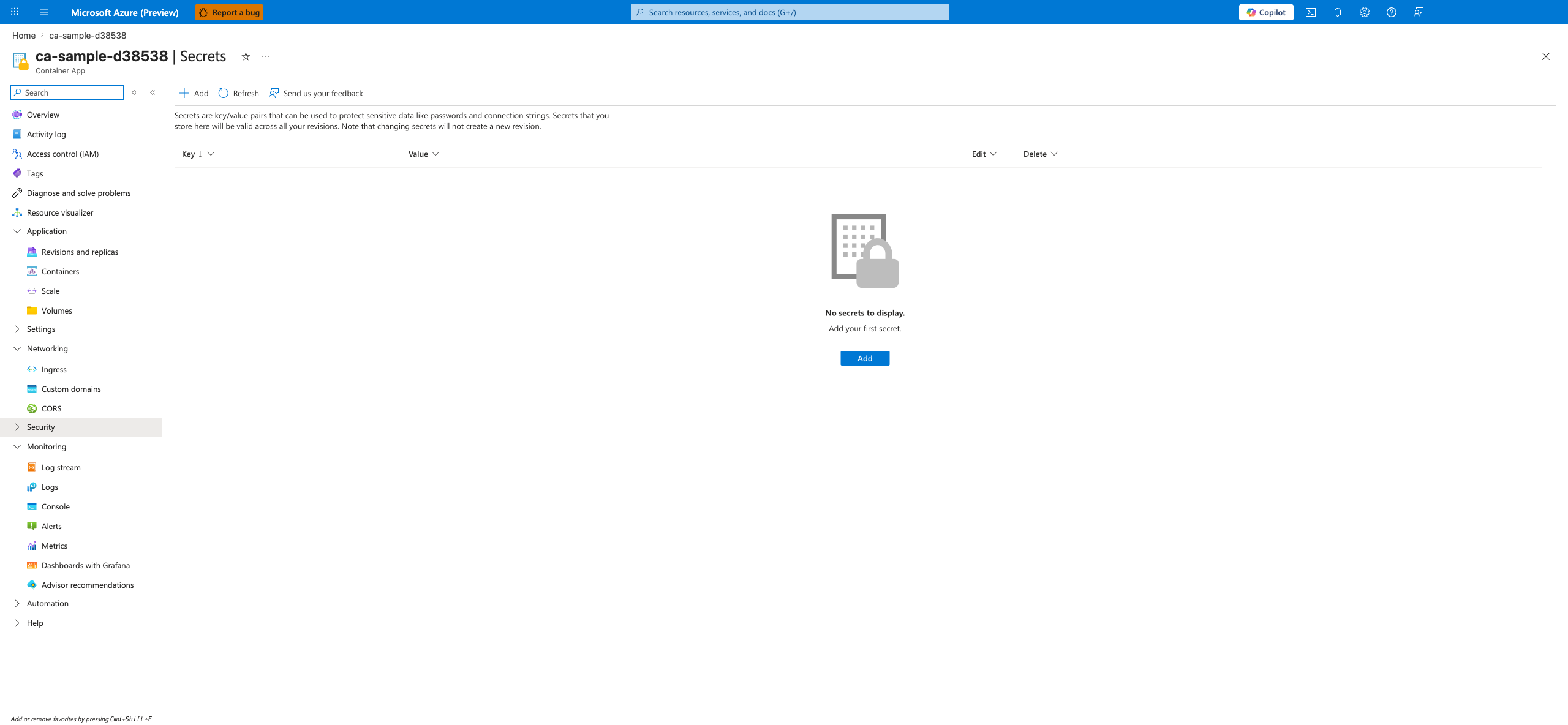
[Observed] The Secrets blade for the ca-sample-d38538 Container App is open. The command bar exposes Add, Refresh, and Send us your feedback controls. A descriptive paragraph reads "Secrets are key/value pairs that can be used to protect sensitive data like passwords and connection strings. Secrets that you store here will be valid across all your revisions. Note that changing secrets will not create a new revision." Below it is a table header with Key, Value, Edit, and Delete columns. The central area shows an empty-state lock illustration with the text "No secrets to display." and "Add your first secret." above a primary Add button.
[Inferred] The two-column Key / Value layout is consistent with the documented Container App secret store model where each secret is a named key/value pair. The header sentence "changing secrets will not create a new revision" appears to map to the documented behavior that secret updates take effect without producing a new revision. The presence of a single primary Add button on an otherwise empty list appears to indicate the starting point for declaring either an inline secret value or a Key Vault reference in the portal.
[Not Proven] Additional secret entry detail, reference configuration detail, identity detail, and RBAC detail are not visible on this view.
Step 4: Python code (SDK access)
Install dependencies:
Read secrets using DefaultAzureCredential:
import os
from azure.identity import DefaultAzureCredential
from azure.keyvault.secrets import SecretClient

vault_url = os.environ["KEY_VAULT_URL"]
credential = DefaultAzureCredential()
client = SecretClient(vault_url=vault_url, credential=credential)

secret = client.get_secret("api-base-url")
print(secret.value)
Container Apps specifics
- Use Container App secrets for app-level values that are not in Key Vault.
- Use Key Vault for centralized secret lifecycle and rotation.
- For private access, combine with VNet integration and Key Vault private endpoint.
Secret Access Pattern Comparison
| Pattern | Security Posture | Operational Overhead | Recommended Usage |
|---|---|---|---|
| Inline secret in app config | Lowest | Low initially, high long-term risk | Avoid in production |
| Container App secret store | Medium | Medium | App-local secrets with periodic rotation |
| Key Vault + managed identity | Highest | Medium upfront, lower ongoing | Production baseline for sensitive secrets |
Separate secret naming from business naming
Use stable secret names (for example database-password) and rotate values behind the same key to reduce application change frequency.
Verification steps
- Validate role assignment:
| Command | Why it is used |
|---|---|
az role assignment list ... | Lists Azure RBAC assignments to verify access or diagnose conflicts. |
- Verify secret read in app logs:
| Command | Why it is used |
|---|---|
az containerapp logs show ... | Runs the Azure CLI operation required by the documented step. |
- Validate secret metadata (without exposing secret values):
az keyvault secret show \
  --vault-name "$KEY_VAULT_NAME" \
  --name "api-base-url" \
  --query "{name:name,enabled:attributes.enabled,updated:attributes.updated}"
| Command | Why it is used |
|---|---|
az keyvault secret ... | Creates or inspects Key Vault resources used by managed identity or secret references. |